Wedding photos
How to Collect Wedding Photos From Guests
Your photographer captures the story you planned: the ceremony, the portraits, the first dance. Your guests capture the rest of it, from wherever they happen to be standing.
Most of those photographs never reach the couple. They stay in camera rolls, a handful appear in a group chat, and the rest are forgotten.
The difficulty is almost never getting guests to take photos. It is getting the wedding guest photos back to you in a form you can keep.
This guide is about closing that gap: one simple path from your guests' camera rolls to one place that belongs to you.
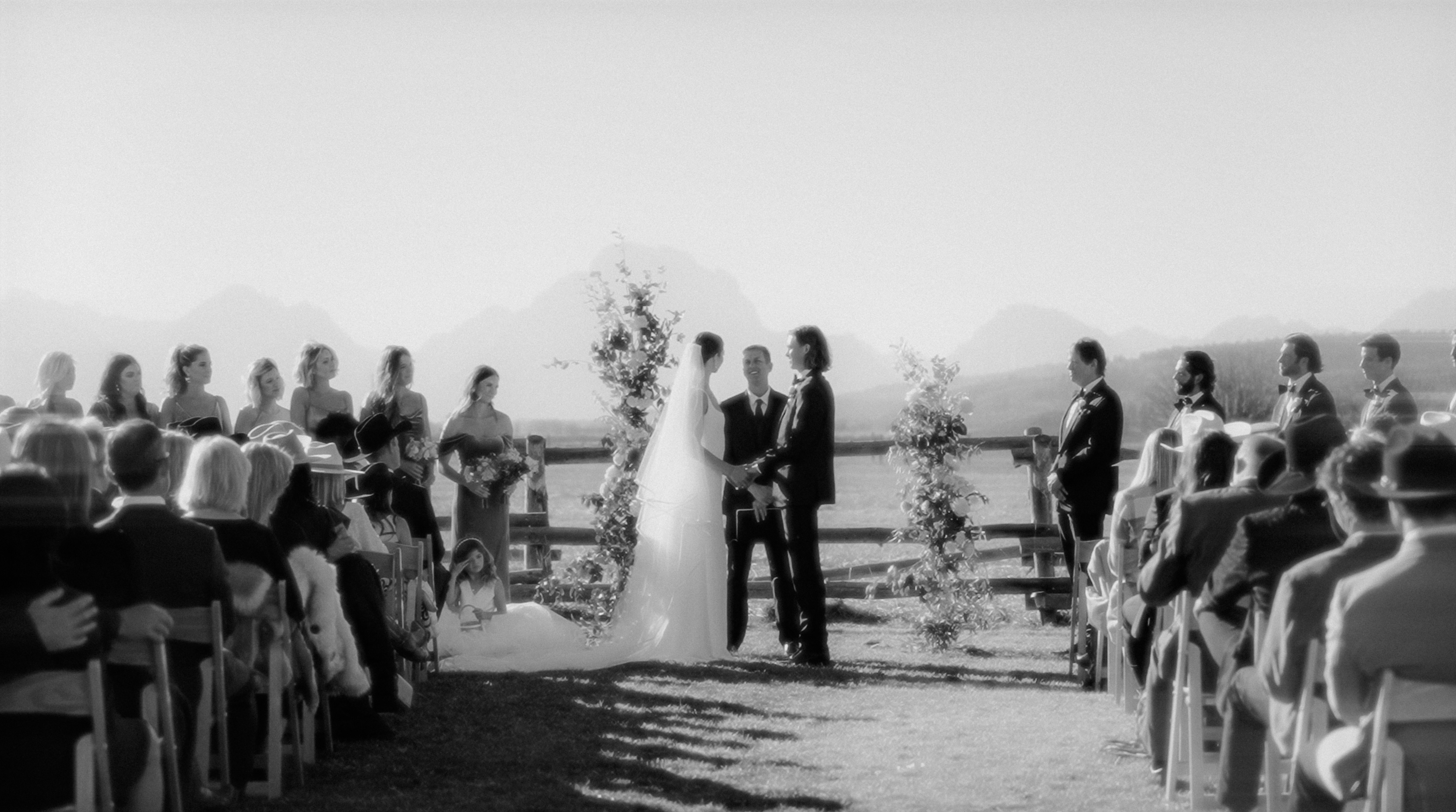
Why Collect Photos From Wedding Guests?
Guest photos are not a cheaper version of professional photography. They are a different point of view, taken from where your photographer was not.
What they tend to hold:
- what was happening at another table
- reactions during the speeches, rather than the speaker
- friends on the dance floor, late and unposed
- getting ready, and the quiet hours before the ceremony
- informal portraits taken between the planned ones
- moments before the photographer arrived, or after they left
None of it competes with your professional gallery. It sits alongside it, and it is the part guests are most eager to send you.
The Best Way to Collect Wedding Photos From Guests
No single method suits every wedding, but the setups that work share three characteristics.
- One obvious place to upload, so nobody has to ask where the photos go.
- Very little friction for the guest, because the request competes with a celebration.
- A collection you can actually reach and keep afterwards.
Every method below is an attempt at the same short chain: a guest takes a photo, shares or uploads it, you collect it, the collection stays organized, and it becomes part of your wedding archive.
Most break at the second link. A guest asked to remember a process days later has already moved on; a guest asked to share the photo they are looking at has almost nothing to do.
Option 1: A Shared Online Album
The model is familiar: you create a shared album, give your guests access, and everything they add collects in one place you can browse. Google Photos and Apple Shared Albums are the best-known examples.
Advantages
- many guests have used something like it before
- the photos collect in one album rather than in separate messages
- guests can often see what everyone else has added
- nothing extra to pay for, if you already live in that ecosystem
Limitations
- depending on the service, a guest may need a particular account or an invitation first
- what a guest can do varies between platforms and between phones
- sharing settings decide who can view and contribute, so check them early
- how the media is stored, and at what quality, is worth confirming
Option 2: Ask Guests to Send Photos in a Group Chat
Most weddings fall into this one without deciding to: guests send photos through WhatsApp, Messenger, or whichever chat already exists.
Why it works
- there is nothing to learn and nothing to explain
- guests already know how to send a photo this way
- no new destination has to be introduced during the celebration
Where it starts to break down
- photos arrive mixed into conversation, jokes and logistics
- several chats usually exist, so the collection is split before it starts
- finding one photo months later means scrolling a thread
- messaging platforms may compress or process media, depending on the platform and how it is shared
- videos are the most awkward part, and the most likely to be refused
A group chat is a conversation that happens to contain images; organization, more than quality, is what costs you photographs.
Option 3: Ask Guests to Send Photos After the Wedding
"Send us your photos when you get home" does work, particularly with a small group of close friends and family.
By then, the photos are buried under everything taken since:
- guests have already moved on to the following week
- good intentions fade, and nobody feels chased
- the photos sit in a camera roll nobody scrolls back through
- what does arrive comes by email, message and link, in no order
Asking afterwards does not fail. It adds an action after the event, and every extra action costs you part of the collection.
Option 4: Use a Wedding Photo Upload Page
The fourth approach is a destination built for this: a page where guests upload the photos and videos they took, into one collection that belongs to you.
From the guest's side, the whole experience is three moves:
- Open the upload page.
- Choose the photos and videos to share.
- Upload them.
A link works; a QR code works better in a room because it removes the typing. It is a way of reaching the page, not a different method.
What separates it from the other three is that guest photo upload is the only thing happening there.
Make It Easy to Find the Upload Method
Even a good collection method underperforms if guests never notice it, and most people will not go looking.
Places couples commonly use:
- table cards
- welcome signage at the entrance
- the guest book area
- the bar
- wherever photographs are already being taken
- your wedding website
- the invitation information, where it fits naturally
It does not need to be everywhere. Put the instruction where a guest already has a reason to look, when their phone is likely in their hand.
Ask for Photos During the Wedding, Not Only After
Compare two requests.
"Send us your photos after the wedding" asks a guest to remember something, find it again later, and do the work in their own time.
"If you take a photo you love, add it here" asks them to act while the phone is in their hand and the photo is on the screen.
A brief mention during the celebration does more than a card alone. Keep asking afterwards too: a collection that stays open catches the guest who was busy dancing.
What About Videos?
Guests film more than they used to, and the clips are often the parts nobody else has:
- speeches and toasts, in full
- the dance floor, from inside it
- short candid moments between the planned ones
- behind the scenes while everyone is getting ready
Video is where collection methods differ most: services vary in the formats they accept, the size and length they allow, and what happens to the quality once uploaded.
If video matters to you, test it with a real clip from a phone rather than assuming photo support means video support.
Think About Privacy and Access
Guest media is personal, and it includes people who did not choose the tool you did. Before sharing a link widely, know:
- who can view the collection
- who can add to it
- whether a public link exposes it to anyone who finds it
- how long it stays available
- how you can download or export the files afterwards
A link anyone can open is convenient and public; a collection limited to your wedding is more private and takes a step to reach. Decide which you want on purpose.
One Collection Is Better Than Five
Weddings drift into a familiar pattern: one chat for one partner's friends, another for the other's, a family group, a shared album, and a folder link from a cousin.
Each collects real photographs. Together they leave you five places to check and five things to download, which is a collection problem rather than a wedding photo album.
Choose one main destination and let everything else feed into it. If a photo arrives another way, add it there yourself rather than starting a sixth place.
The goal is answering one question without hesitating: where are our wedding photos?
A Simple Wedding Guest Photo Collection Plan
Put together, the whole thing is short enough to write down:
- Choose one main place where guest photos will be collected.
- Make sure guests can reach it easily from their phones.
- Test the upload experience yourself before the wedding.
- Put the instruction somewhere your guests will see it.
- Mention it briefly during the celebration.
- Let guests upload photos and videos as they take them.
- Keep the collection open afterwards for the ones that arrive late.
- Download or preserve the media according to the terms of whatever you chose.
The third step is the one couples skip; ten minutes with your own phone is what makes the rest work.
Shared Album, Group Chat or Dedicated Upload Page?
The comparison is a set of trade-offs rather than a winner.
A shared album
- Guest effort: low to medium, depending on the service.
- Organization: good, since everything lands in one album.
- Media: depends on the service; check what it does with video.
- Best for: couples already in a photo ecosystem.
A group chat
- Guest effort: very low, with nothing new to learn.
- Organization: poor to medium; it degrades as the thread grows.
- Media: may be compressed or processed, depending on the platform.
- Best for: small groups and casual sharing.
Sending photos after the wedding
- Guest effort: medium, because it is a separate task.
- Organization: poor, since everything arrives differently.
- Media: depends on how each guest sends it.
- Best for: a few close friends and family.
A dedicated upload page
- Guest effort: low, and it happens in the moment.
- Organization: strong; collecting is all the page does.
- Media: depends on the service, so check the video limits.
- Best for: couples who want one central guest-photo collection.
A dedicated page is not automatically the right answer. It is the one that most reliably produces a single organized collection.
What to Look For in a Wedding Photo Collection Tool
Whatever you are comparing, a short checklist tells you most of what you need:
- a simple experience for a first-time guest
- works on the phones your guests actually carry
- one clear upload destination
- photo support that suits how your guests shoot
- video support, if video matters to you
- privacy and access controls you can understand
- a storage period long enough to be useful
- a way to retrieve or export the files afterwards
- one collection, not five scattered channels
Test anything that leaves one of those open before the wedding, not after.
From Guest Photos to Your Wedding Archive
Collecting the photos is the first half of the job. The second half is a collection you can sit down with: media to review, download, share with the family who ask, and keep alongside your professional gallery.
That is the whole chain: a guest takes a photo, uploads it, you collect it, it stays organized, and it becomes part of your wedding archive.
The guest gallery is part of every Agapaé plan, with different limits on each.
In Agapaé, guests reach the gallery through the event's guest upload flow, opened from a QR code or a link, and add the photos and videos they took. The gallery is private to the event rather than a public feed.
The plan sets the limits: how many guests can upload, how much the gallery holds, how long the upload window stays open before and after the wedding, and whether guests can add videos as well as photos.
For the product-specific experience, see wedding photo sharing.
Frequently Asked Questions
- What is the easiest way to collect wedding photos from guests?
- The one that asks least of your guests: a single destination they can open on their phone during the celebration, with no explanation needed. That may be a shared album, or an upload page reached from a link or a QR code. What matters more than the tool is that there is only one of them.
- How can wedding guests share photos without sending them one by one?
- Give them somewhere to add a whole selection at once. Shared albums and upload pages both let a guest pick several photos from their camera roll and send them together. In a message thread the same photos arrive piecemeal, and have to be pulled back out of the conversation later.
- Can wedding guests upload videos as well as photos?
- Often, though not always in the same way, so check before you commit. Services differ in the formats they accept, the file size and length they allow, and what happens to the quality afterwards. Since speeches and dance-floor clips are usually the moments only guests have, test it with a real video from a phone.
- Should I use a shared album or a group chat for wedding photos?
- A shared album keeps the photos together and out of the conversation, which makes them easier to browse and download later. A group chat is more familiar and needs no setup, but the images end up mixed into the thread and may be compressed depending on the platform. If your guests already use an album, that is the tidier of the two.
- When should I ask guests to share their wedding photos?
- During the wedding, and again afterwards. Asking in the moment reaches guests while the photo is still on screen and costs them one action. Keeping the collection open after the day catches the guests who were too busy celebrating, and anyone who wants to go through their camera roll properly first.